SMSverifica help · section 6 of 18
6. Contacts and lists
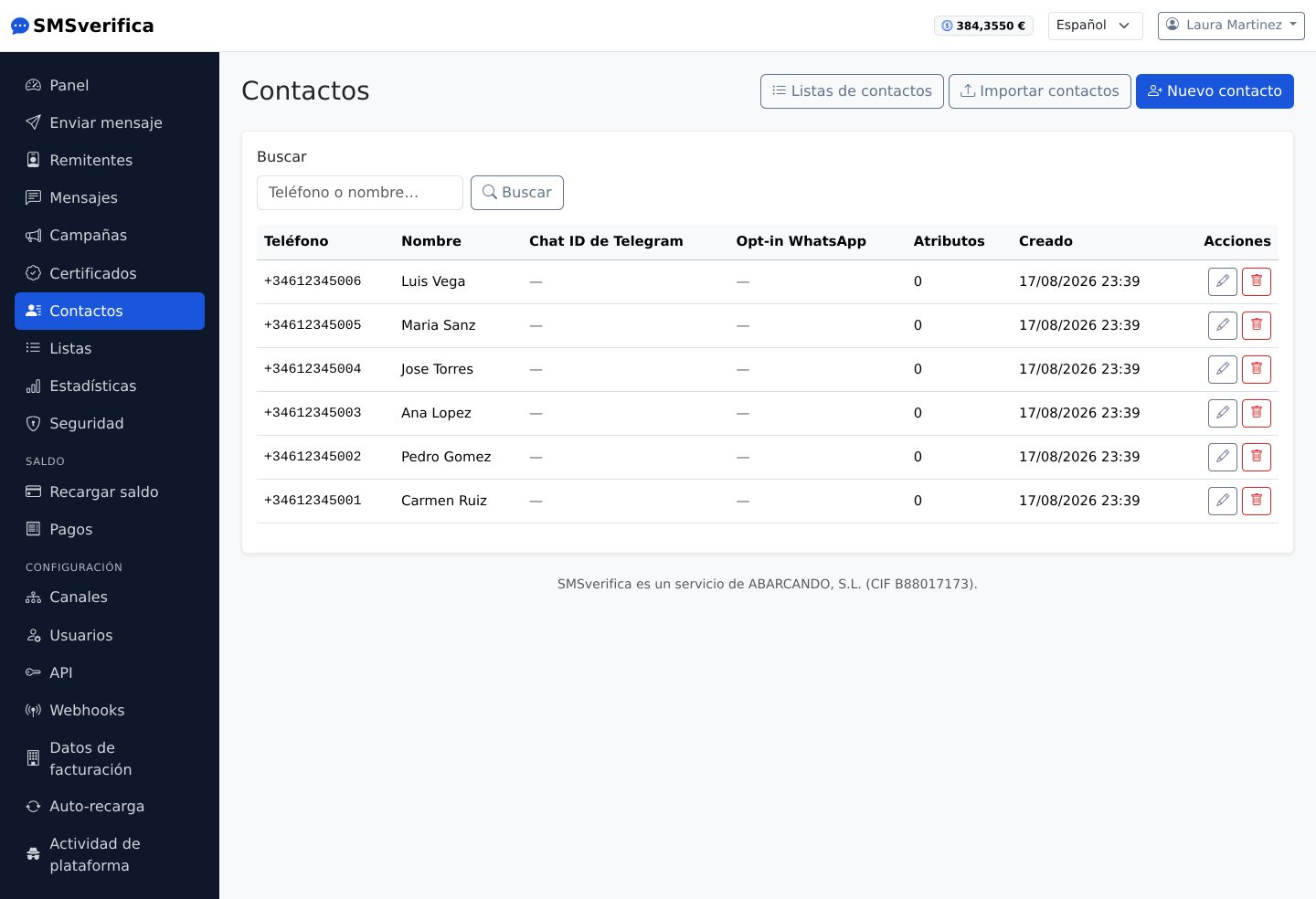
The address book stores your recipients with name, phone number in E.164 and
free-form attributes (for example {nombre}, {cita}) that you then use to
personalise campaigns.
Importing from a file
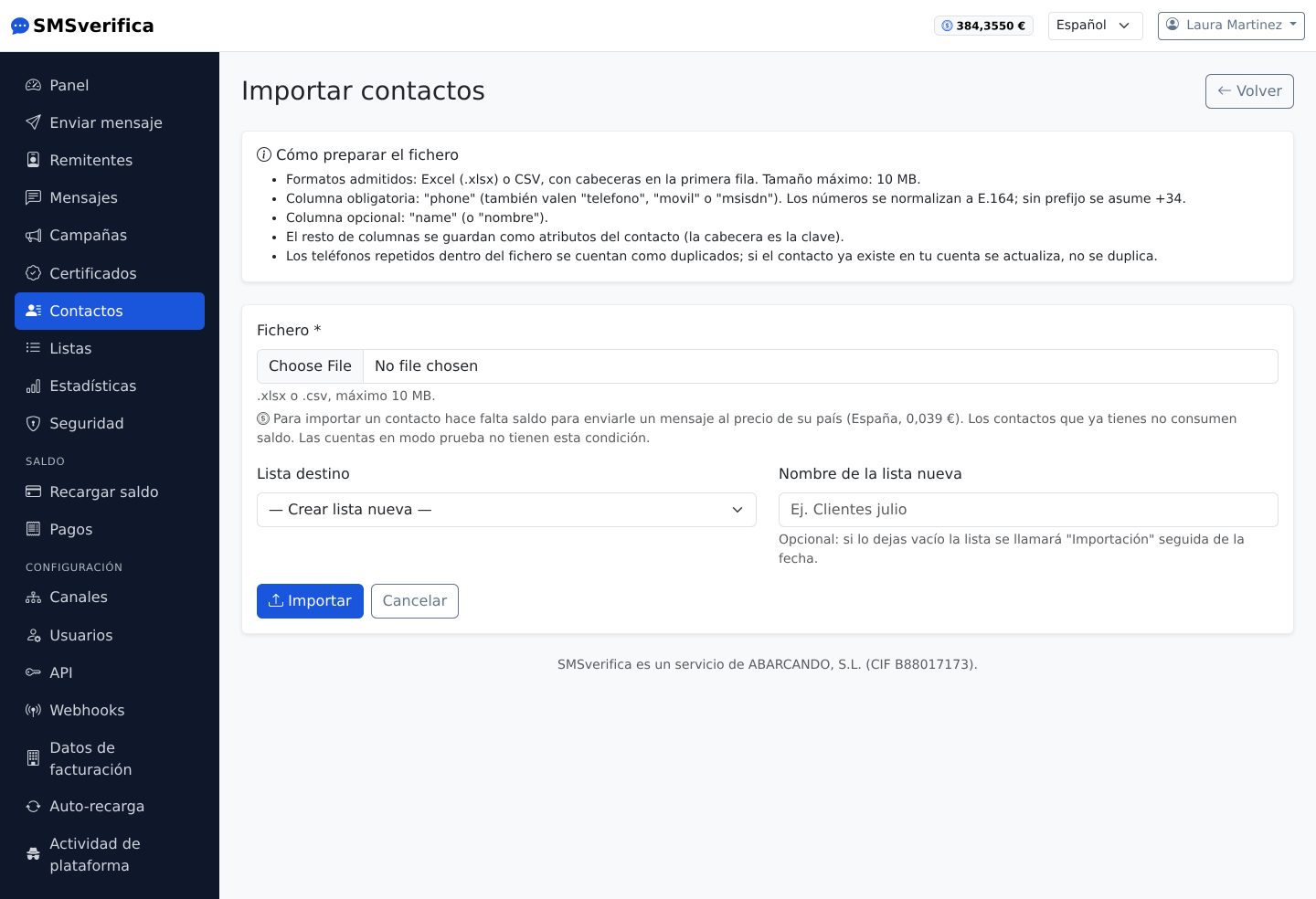
Upload a CSV with a phone number column (and as many data columns as you want). Rules that save you from nasty surprises:
- Numbers are normalised to E.164 and duplicates are not created twice.
- The import requires your balance to cover at least one message to each contact you would have after the upload. Nothing is charged: it is the gate that prevents you uploading lists you will not be able to use afterwards. If the balance is not enough, the import stops and reports how much is missing.
Lists
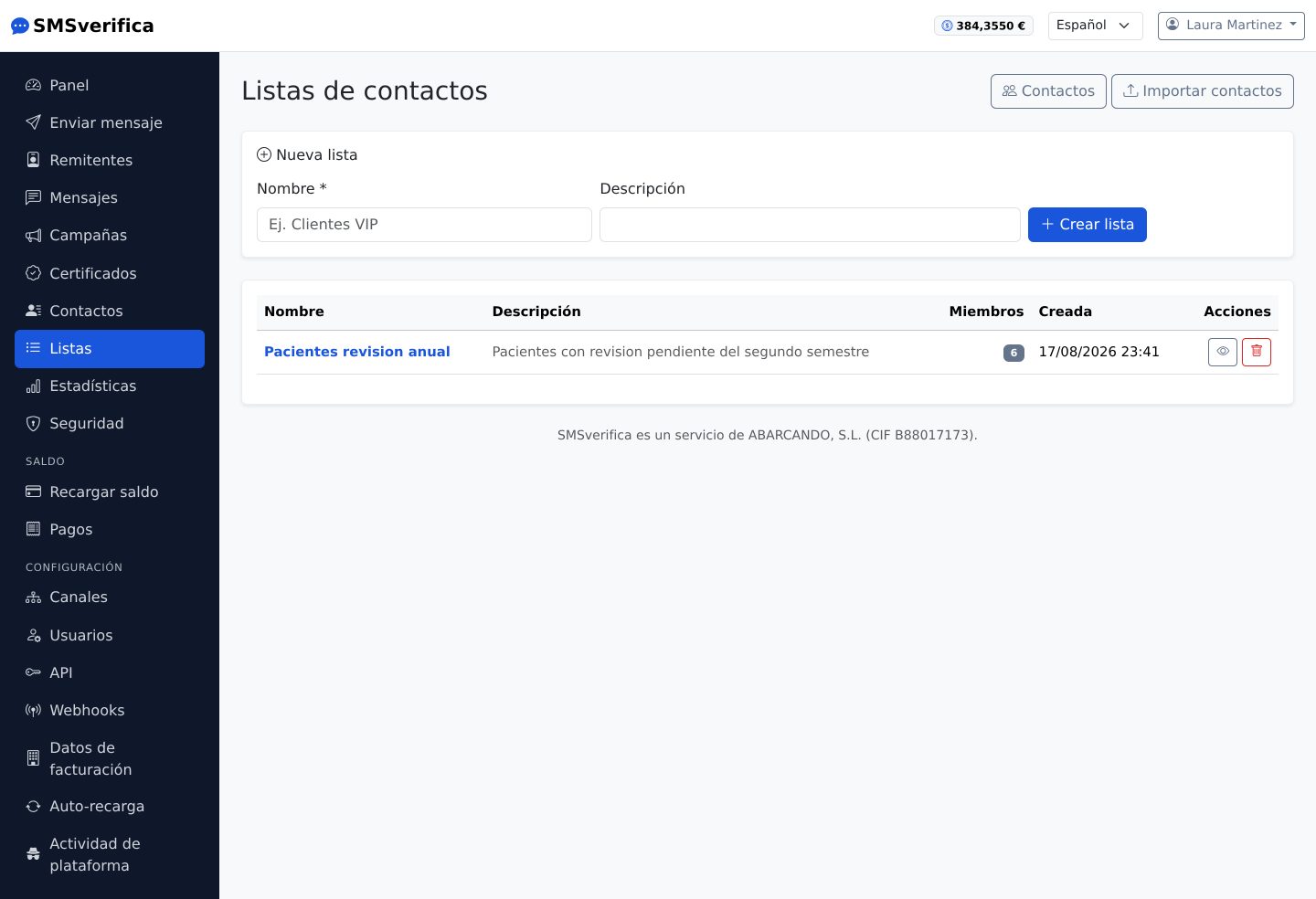
Lists group contacts ("Annual check-up patients", "VIP customers") and are the natural source of a campaign. A contact can belong to several.