SMSverifica help · section 11 of 18
11. The REST API: everything in the panel, from your own software
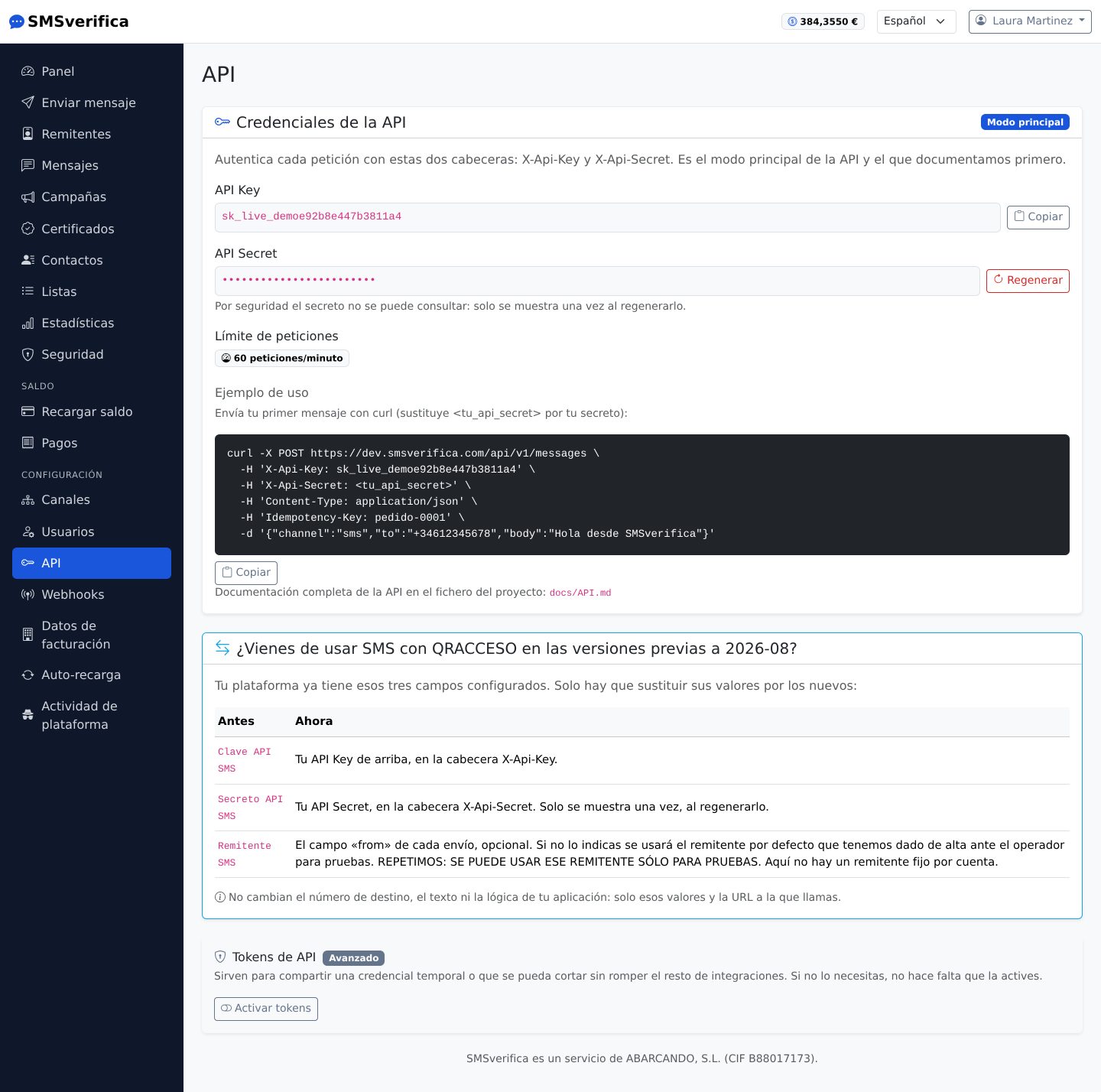
Everything the panel does can be done via the API
(https://app.smsverifica.com/api/v1):
POST /messages— send SMS, WhatsApp or Telegram.GET /messages/{id}andGET /messages— status and history.POST /campaigns— complete campaigns.POST /verify/startandPOST /verify/check— OTP verification ready to use: we generate the code, send it and check it for you.POST /certified— certified messaging.GET /account/balanceandGET /pricing/sms— balance and current rates.GET /sendersandGET /senders/check— your senders and what would happen today when sending with them to Spain: whether they go out with your brand, with the fallback sender or are rejected (CNMC Alias Registry).
Recommended authentication: Bearer token created on this screen (shown only
once; revocable; with optional expiry). Every creation request accepts an
Idempotency-Key, so a network retry never duplicates a send. With no balance,
the API responds 402 insufficient_balance — your integration can react by
topping up or raising an alert.
The full reference with curl examples is at
smsverifica.com/api-sms.html.
Status webhooks
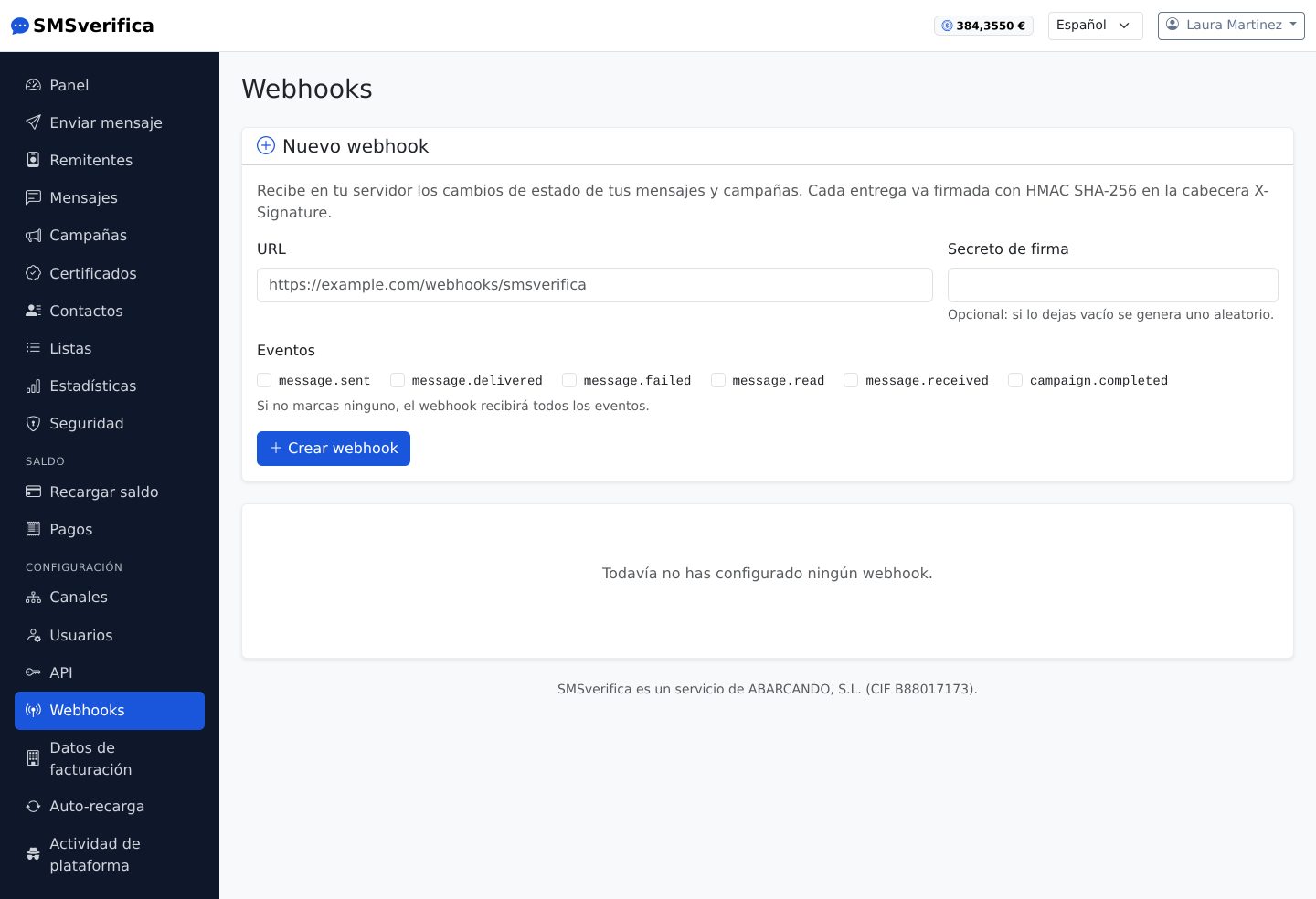
Instead of polling every minute, give us a URL of yours and we notify you of every status change (sent, delivered, failed, read…), with a signature so you can verify it is really us and automatic retries if your server does not respond.